Blog
Blog

 April 1, 2025
API compatibility is key to making your systems work together smoothly, no matter the platform. Here's how you can achieve it:
- Use Standard Data Formats: Stick to JSON, UTF-8 encoding, ISO 8601 for dates, and consistent decimal precision.
-
Version Your API: Implement clear versioning methods like URI (
/api/v1/resource), headers, or query parameters. - Ensure Consistent Naming and Error Handling: Use predictable endpoint names, camelCase for JSON properties, and detailed error responses.
- Test Thoroughly: Automate unit, integration, and load tests to catch platform-specific issues.
- Strengthen Security: Use HTTPS, encrypt data with AES-256, and implement role-based access control (RBAC).
- Leverage Management Tools: Platforms like DreamFactory simplify API creation, security, and maintenance.
Quick Overview of Key Steps
| Phase | Action | Benefit |
|---|---|---|
| Design | Standardize formats, versioning | Reliable integration |
| Testing | Automate platform-specific tests | Identify issues early |
| Security | Use RBAC, OAuth, encryption | Protect data and access |
| Management | Use API tools like DreamFactory | Simplify maintenance and scaling |
By focusing on these steps, you can ensure your APIs are reliable, secure, and ready to work across different platforms.
One API to Rule Them All: Building a Cohesive API for ...
Core Design Rules for Cross-Platform APIs
Creating APIs that function well across various platforms requires a focus on key design principles. Below, we break down the most important rules to ensure your API behaves consistently in different environments.
Using Standard Data Formats
Choosing widely supported data formats is essential for smooth communication between platforms. JSON is often the go-to format due to its lightweight structure and compatibility with most systems. Follow these practices to keep your API data standardized:
- Stick to UTF-8 encoding for consistent character handling.
-
Use ISO 8601 for date-time formats (e.g.,
2025-04-02T14:30:00Z). - Ensure consistent decimal precision across all platforms.
- Structure nested objects in a uniform way to avoid confusion.
For example, DreamFactory demonstrates how adhering to these standards ensures APIs behave predictably.
Managing API Versions
Proper version management allows your API to grow without breaking existing integrations. Here are some common strategies for version control:
| Version Control Method | Implementation | Compatibility Impact |
|---|---|---|
| URI Versioning | /api/v1/endpoint |
Provides clear, explicit versioning |
| Header Versioning | Accept: application/vnd.api.v1+json |
Offers flexible version negotiation |
| Query Parameter | /api/endpoint?version=1.0 |
Simple for clients to implement |
Standardizing Names and Errors
Consistency in naming and error handling makes your API easier to use and debug. Here’s how to achieve that:
-
Naming Conventions
Use clear, predictable patterns for endpoints and properties. For example:-
Endpoints: Use lowercase with hyphens (
/user-profile). -
JSON Properties: Stick to camelCase (
userName).
-
Endpoints: Use lowercase with hyphens (
-
Error Response Structure
Provide detailed, standardized error responses. An example format looks like this:{ "error": { "code": "AUTH_001", "message": "Invalid authentication credentials", "details": "The provided API key has expired" } } -
Status Codes
Use HTTP status codes consistently:- 2xx for successful requests
- 4xx for client-side errors
- 5xx for server-side issues
Testing Methods for API Compatibility
Ensuring your API works consistently across platforms requires a thorough approach to compatibility testing.
Platform-Specific Test Automation
Automated tests are essential for spotting platform-specific issues early. Here's a breakdown of testing layers to consider:
| Testing Layer | Purpose | Key Components |
|---|---|---|
| Unit Tests | Test individual endpoints | Validate requests/responses, data types, and error handling |
| Integration Tests | Evaluate platform interactions | Test authentication, data persistence, and API chaining |
| Load Tests | Measure performance under stress | Analyze response times, resource use, and concurrent requests |
DreamFactory’s testing framework is a great example of how automated tests can help identify platform issues before they reach production. These tests create a solid foundation for deeper compatibility checks.
Compatibility Testing Tools
Beyond automation, specialized tools can simulate various environments to identify inconsistencies. Focus on these areas:
-
Response Format Validation
Confirm your API consistently returns the same data structure. For instance:{ "status": "success", "data": { "id": "12345", "timestamp": "2025-04-02T10:30:00-04:00", "values": [1000.50, 2500.75] } } -
Header Processing
Test how platforms handle custom headers and authentication tokens. Examples include:Authorization: Bearer {token} Content-Type: application/json Accept-Language: en-US -
Character Encoding
Make sure special characters and different encoding schemes are processed correctly across platforms.
End-User Testing
Real-world testing is the final step in confirming API compatibility. Beta testing with actual users can reveal issues that automated tests might miss. Keep an eye on performance metrics and gather user feedback to ensure your API works smoothly across all platforms.
API Security Across Platforms
Keeping APIs secure requires a mix of authentication, data protection, and addressing platform-specific needs. Alongside solid design principles and thorough testing, strong security measures are essential to ensure APIs function safely across different platforms.
Access Control Systems
Access control is key to managing who can use your API and how. Role-Based Access Control (RBAC) allows for detailed permission settings, such as:
- Assigning specific access levels to user roles
- Restricting endpoint access based on permissions
- Managing API resources efficiently
Adding API key management enhances security further:
| Access Level | Authentication Method | Use Case |
|---|---|---|
| Public Access | API Keys | Read-only operations, public data access |
| User Level | OAuth/SAML | Personal account operations |
| Admin Level | Multi-factor + RBAC | System-wide management |
Data Security Protocols
Protecting data should be a top priority. Here’s how you can secure API data effectively:
1. Transport Layer Security
Always use HTTPS with TLS 1.3 or newer. This ensures end-to-end encryption, certificate-based authentication, and protection against man-in-the-middle attacks.
2. Data Encryption Standards
- Use AES-256 to secure data at rest
- Encrypt sensitive fields individually
- Keep encryption keys separate for different platforms
Platform Security Requirements
Each platform has its own security needs. Address them like this:
| Platform Type | Security Requirement | Implementation |
|---|---|---|
| Mobile | App-specific authentication | OAuth 2.0 with refresh tokens |
| Web | CORS policies | Whitelist allowed origins |
| Desktop | Local storage encryption | Platform-specific encryption APIs |
"DreamFactory streamlines everything and makes it easy to concentrate on building your front end application. I had found something that just click, click, click... connect, and you are good to go." - Edo Williams, Lead Software Engineer, Intel
Custom server-side scripts can add extra layers of security, such as rate limiting to prevent abuse. Regular audits are also essential to keep security measures up to date across all platforms.
API Management Tools
API management tools simplify the creation, security, and maintenance of APIs across platforms. These tools help ensure reliable performance while reducing the challenges of development.
API Management Basics
API management platforms provide key features that help maintain compatibility across different systems:
| Feature | Purpose | Impact on Compatibility |
|---|---|---|
| Automated Generation | Creates standardized API endpoints | Ensures a consistent API structure |
| Schema Mapping | Links various data sources | Maintains data consistency |
| Security Controls | Adds authentication and authorization | Provides uniform security |
| Documentation | Auto-generates API documentation | Supports consistent implementation |
These features lay the groundwork for practical tools like DreamFactory, which excels in managing APIs across multiple platforms.
DreamFactory for Cross-Platform APIs
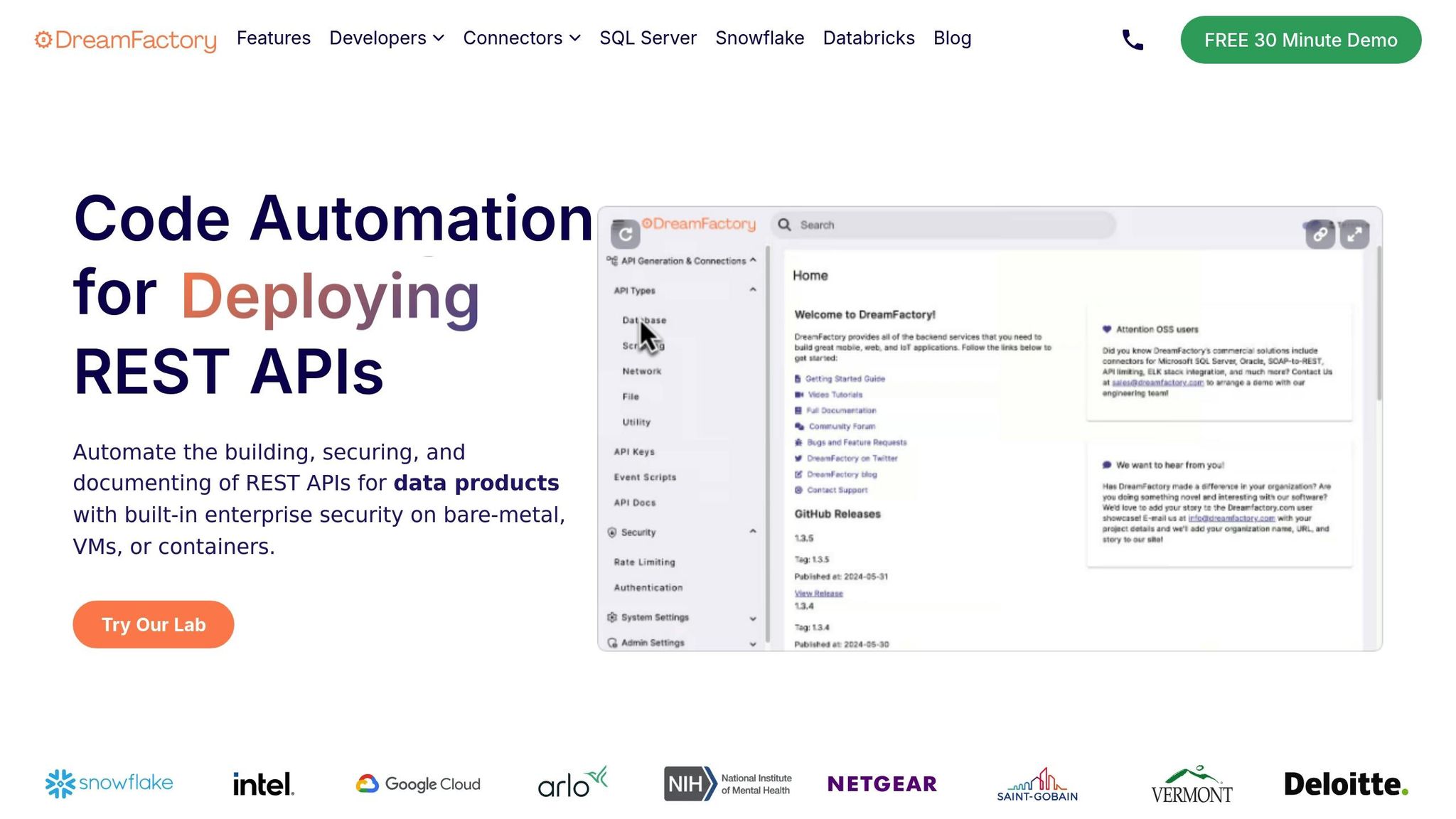
DreamFactory builds on these core features by automating API creation, making cross-platform integration simple. For example, the National Institutes of Health (NIH) connected several SQL databases using DreamFactory. This allowed them to access grant insights quickly without needing expensive system upgrades.
DreamFactory’s impact is backed by real-world results:
- 5 minutes: Average time to create production-ready APIs
- $201,783: Annual savings in development costs
- 99%: Reduction in common security risks
- $45,719: Savings per API
Key Compatibility Features
DreamFactory also offers advanced capabilities to ensure APIs work seamlessly across different environments:
| Function | Capability | Business Value |
|---|---|---|
| Database Connectivity | Supports 20+ database types, including Snowflake and MongoDB | Allows integration with diverse systems |
| Security Integration | Includes RBAC, OAuth, SAML, and API key management | Maintains consistent security |
| Deployment Flexibility | Deployable on Kubernetes, Docker, and Linux | Optimizes for specific platforms |
For example, Vermont’s state systems used DreamFactory’s REST APIs to connect outdated 1970s-era systems with modern databases. This approach enabled them to achieve compatibility in a complex environment.
"DreamFactory is far easier to use than our previous API management provider, and significantly less expensive."
– Adam Dunn, Sr. Director, Global Identity Development & Engineering, McKesson
Conclusion: Steps for API Compatibility
To ensure seamless API compatibility, it's essential to focus on well-thought-out design, thorough testing, and robust security measures. Real-world examples show how these practices can make a measurable difference.
Automated API management tools play a crucial role in simplifying development while keeping security tight. Below is a practical framework to help you achieve compatibility:
| Phase | Action Items | Benefits |
|---|---|---|
| Design | Standardize data formats and versioning | Improves integration reliability |
| Security | Apply RBAC and OAuth protocols | Cuts common security risks by 99% |
| Testing | Use automation tailored to platforms | Quickly identifies compatibility problems |
| Management | Leverage automated API tools | Delivers production-ready APIs in just 5 minutes |
This framework covers the key steps for compatibility. For example, Deloitte successfully integrated Deltek Costpoint ERP data, and the Vermont Department of Transportation connected legacy systems to modern databases using these methods.
Related Blog Posts