Blog
Blog
 December 15, 2025
What is OAuth 2.0 Authentication and Why Use GitHub as an Identity Provider?
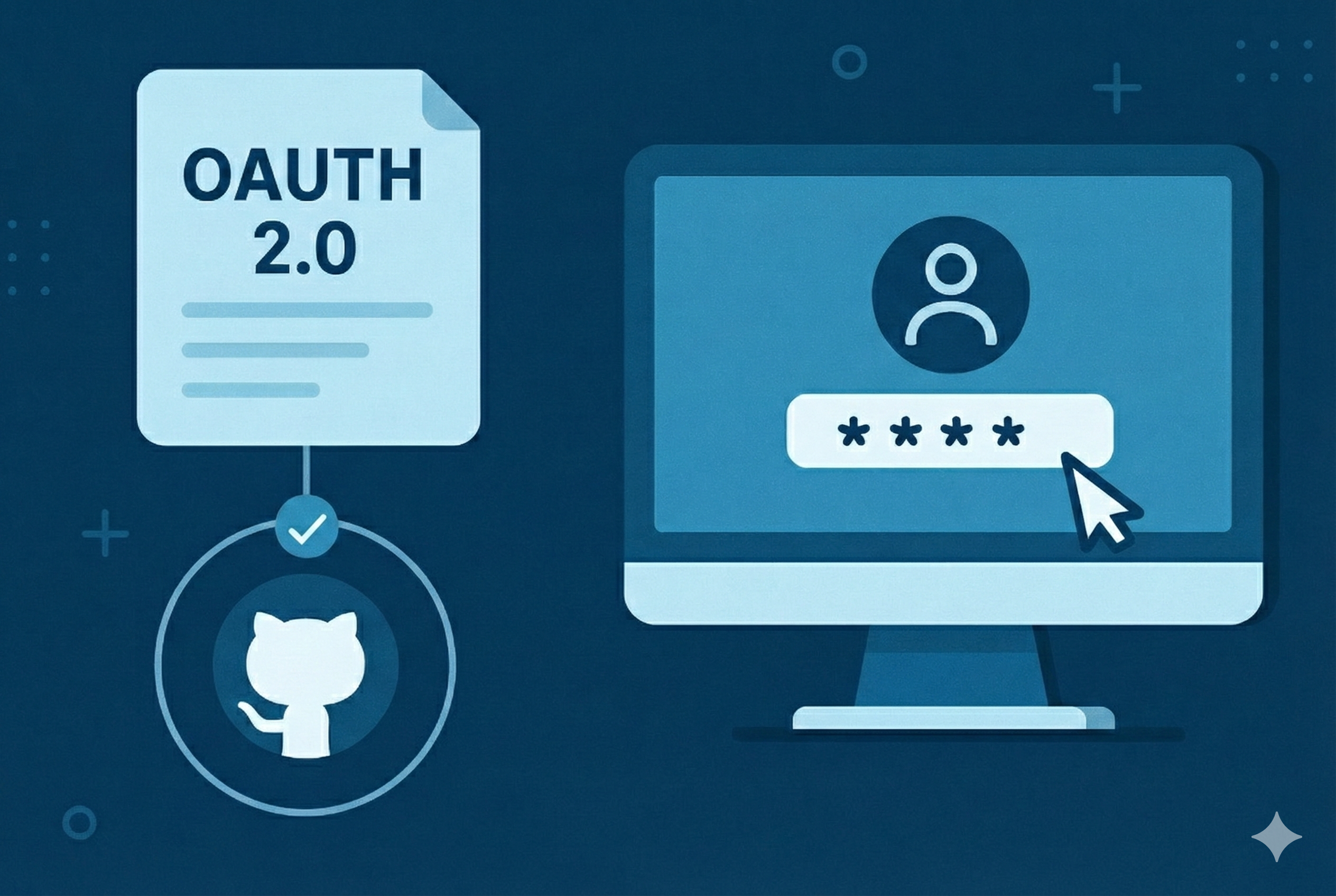
OAuth 2.0 is an industry-standard authorization framework that enables applications to obtain limited access to user accounts on third-party services without exposing passwords. When implemented as an authentication mechanism, OAuth provides secure single sign-on capabilities.
GitHub OAuth offers several advantages as an identity provider:
- Zero password management: Users authenticate with existing GitHub credentials
- Enterprise security: Leverage GitHub's two-factor authentication, security keys, and audit logs
- Developer familiarity: Most technical teams already use GitHub daily
- Organization-level access control: Restrict authentication to specific GitHub organizations
- Audit trail: Track authentication events through GitHub's security logs
DreamFactory's OAuth Architecture
DreamFactory is a REST API automation platform that generates secure, documented APIs for databases, file storage, and external services. The platform includes a flexible authentication system supporting multiple identity providers through a standardized OAuth service interface.
Key OAuth Capabilities in DreamFactory
- Multi-provider support: Configure multiple OAuth providers (GitHub, Google, Azure AD, Okta) simultaneously
- Role-based access control: Map OAuth users to DreamFactory roles with granular API permissions
- JWT token issuance: OAuth authentication returns standard DreamFactory JWT tokens for API access
- Application-specific roles: Assign different permissions based on which application initiates authentication
- CORS-aware: Built-in CORS configuration for browser-based OAuth flows

Prerequisites for GitHub OAuth Integration
Before configuring GitHub OAuth with DreamFactory, ensure you have:
- GitHub account: Personal account or organization with OAuth app creation permissions
- DreamFactory instance: Running instance with admin access (self-hosted or cloud)
- HTTPS endpoint: OAuth requires secure callbacks (GitHub enforces HTTPS for production apps)
- Role definition: Pre-configured DreamFactory role for OAuth users
Step 1: Register OAuth Application in GitHub
GitHub OAuth apps act as trusted clients that can request user authentication and access basic profile information.
Creating the GitHub OAuth App
- Navigate to GitHub Settings → Developer settings → OAuth Apps
- Click New OAuth App
- Configure application details:
- Application name: Identifies your app in GitHub's authorization screen (e.g., "DreamFactory Production")
- Homepage URL: Your DreamFactory instance URL (
https://api.yourdomain.com) - Authorization callback URL: DreamFactory's OAuth callback endpoint (format:
https://api.yourdomain.com/api/v2/{namespace}_oauth/sso)
Understanding the Callback URL Structure
The callback URL follows DreamFactory's OAuth routing convention:
https://{dreamfactory-domain}/api/v2/{namespace}_oauth/sso{dreamfactory-domain}: Your DreamFactory instance domain{namespace}_oauth: The namespace you'll configure in DreamFactory (must end with_oauth)/sso: Fixed OAuth callback route
github_oauth and domain is api.acme.com, the callback URL is:
https://api.acme.com/api/v2/github_oauth/ssoSecuring Your Client Credentials
After creating the OAuth app:
- Copy the Client ID: Displayed immediately on the app settings page
- Generate a new client secret: Click the generation button and copy the secret immediately
- Store credentials securely: The client secret is shown only once and acts as your application's password
Step 2: Configure OAuth Service in DreamFactory
DreamFactory's admin interface provides a streamlined workflow for configuring OAuth identity providers.
Creating the GitHub OAuth Service
- Navigate to Security → Authentication in the DreamFactory admin console
- Click Create and select GitHub OAuth as the service type
- Configure the service parameters:
| Field | Description | Example Value |
|---|---|---|
| Namespace | Service identifier (must end with _oauth) |
github_oauth |
| Label | Button text on login page | "Sign in with GitHub" |
| Description | Internal documentation | "GitHub SSO for engineering team" |
| Active | Enable/disable the service | ✓ Enabled |
| Client ID | From GitHub OAuth app settings | Iv1.a629723cbf7e9a51 |
| Client Secret | From GitHub OAuth app (one-time display) | 7d2e3f4a5b6c7d8e9f0a1b2c3d4e5f6a7b8c9d0e |
| Redirect URL | DreamFactory callback URL | https://api.acme.com/api/v2/github_oauth/sso |
| Default Role | Role assigned to authenticated users | API Consumer |
Understanding the Namespace Convention
DreamFactory requires OAuth namespaces to end with _oauth to distinguish OAuth services from standard API services. This naming convention:
- Prevents route conflicts with data APIs
- Enables automatic OAuth flow routing
- Simplifies service discovery in multi-provider configurations
Configuring Role-Based Access Control
The Default Role setting determines what APIs and resources authenticated users can access. DreamFactory's role system supports:
- Service-level permissions: Allow/deny access to specific API services
- Resource-level permissions: Fine-grained table, endpoint, or file permissions
- HTTP verb restrictions: Limit users to GET-only, or allow full CRUD operations
- Field-level filtering: Hide sensitive database columns from API responses
Step 3: Synchronize Callback URLs
After configuring the DreamFactory service, ensure the GitHub OAuth app callback URL matches exactly.
- Return to GitHub OAuth app settings
- Update Authorization callback URL to match DreamFactory's Redirect URL
- Verify exact match including protocol (
https://), domain, path, and namespace
github_oauth and GitHub_OAuth are treated as different namespaces.Step 4: Configure CORS for Browser-Based Authentication
Cross-Origin Resource Sharing (CORS) configuration is critical for browser-based OAuth flows where your frontend application runs on a different domain than DreamFactory.
Required CORS Configuration
Navigate to Config → CORS in DreamFactory and add:
- Your application domain: The origin where your login page is hosted (e.g.,
https://app.acme.com) - GitHub's domain:
https://github.com(for the OAuth authorization redirect)
CORS Headers for OAuth
Ensure the following headers are enabled:
Access-Control-Allow-Origin: Your app domainAccess-Control-Allow-Credentials:true(required for cookie-based sessions)Access-Control-Allow-Headers:Content-Type, X-DreamFactory-API-Key, X-DreamFactory-Session-Token
* wildcard for Access-Control-Allow-Origin in production. Explicitly list allowed domains.Step 5: Test the OAuth Integration
Initiating the OAuth Flow
- Navigate to your DreamFactory login page (e.g.,
https://api.acme.com/dreamfactory/dist/) - Look for the OAuth provider button (labeled with your configured Label text)
- Click to initiate the authorization flow
Ctrl+Shift+R or Cmd+Shift+R) or use an incognito window to clear cached login page assets.Verifying User Provisioning
After successful authentication:
- Navigate to Users in DreamFactory admin console
- Verify the GitHub user was automatically created
- Confirm the user has the correct Default Role assigned
- Check the user's email matches their GitHub profile email
Testing API Access
Validate that the OAuth-authenticated user can access permitted resources:
curl -X GET \
  https://api.acme.com/api/v2/database/_table/products \
  -H 'X-DreamFactory-Session-Token: eyJ0eXAiOiJKV1QiLCJhbGci...'
The response should reflect the permissions granted by the user's assigned role.

Troubleshooting Common GitHub OAuth Issues
"Invalid Client" Error
Cause: Client ID or Client Secret mismatch between GitHub and DreamFactory
Resolution:
- Verify Client ID in DreamFactory matches GitHub OAuth app exactly
- Regenerate Client Secret in GitHub if uncertain about current value
- Update DreamFactory OAuth service with new credentials
"Redirect URI Mismatch" Error
Cause: GitHub's registered callback URL doesn't match the URL DreamFactory used in the authorization request
Resolution:
- Check that GitHub callback URL exactly matches DreamFactory's Redirect URL (case-sensitive)
- Ensure protocol is
https://(GitHub rejectshttp://in production) - Verify no trailing slashes or extra path segments
OAuth Button Not Appearing on Login Page
Cause: Service not active or browser cache showing stale login page
Resolution:
- Confirm the OAuth service is toggled to Active in DreamFactory
- Perform hard refresh of login page (
Ctrl+Shift+R) - Try accessing login page in incognito/private browsing mode
- Check browser console for JavaScript errors loading OAuth configuration
CORS Errors in Browser Console
Cause: Missing or incorrect CORS configuration in DreamFactory
Resolution:
- Navigate to Config → CORS in DreamFactory
- Add your application domain to allowed origins
- Add
https://github.comto allowed origins - Enable credentials support (
Access-Control-Allow-Credentials: true)
When to Choose DreamFactory for OAuth-Protected APIs
DreamFactory's OAuth integration is particularly valuable when:
- Consolidating authentication across multiple data sources: Use a single OAuth provider (GitHub, Azure AD, Okta) to secure APIs for databases, file storage, and external services
- Eliminating custom authentication code: DreamFactory handles the OAuth flow, token validation, user provisioning, and session management automatically
- Implementing role-based API access: Map OAuth users to granular permission sets without writing authorization logic
- Supporting multiple identity providers: Configure GitHub for employees, Google for partners, and Azure AD for enterprise customers simultaneously
- Generating instant APIs from databases: Combine DreamFactory's automatic API generation with OAuth SSO for rapid application development
DreamFactory's strength is abstracting authentication complexity while maintaining security and flexibility. For organizations already using GitHub for source control, adding GitHub OAuth to DreamFactory creates a seamless developer experience with minimal configuration overhead.
FAQs
1: Do I need a paid GitHub account to use GitHub OAuth with DreamFactory?
A: No, GitHub OAuth works with free personal accounts. However, if you want to restrict access to only members of your organization, you'll need a GitHub organization (which is free) and should create the OAuth app under that organization rather than a personal account.
2: What happens if I regenerate my GitHub Client Secret?
A: If you regenerate the Client Secret in GitHub, you must immediately update it in your DreamFactory OAuth service configuration. Until you update DreamFactory with the new secret, users won't be able to authenticate via GitHub OAuth. Existing logged-in users will remain authenticated until their session tokens expire.
3: Can users who authenticate with GitHub OAuth also log in with a regular username and password?
A: Yes, DreamFactory supports multiple authentication methods simultaneously. Users authenticated via GitHub OAuth are separate accounts from username/password users, even if they share the same email address. You can enable both methods or restrict your instance to OAuth-only authentication in the DreamFactory system settings.
Next Steps: Your GitHub OAuth integration is production-ready. Test thoroughly with multiple user accounts, validate role permissions, and monitor authentication logs during the initial rollout. For advanced configurations including custom OAuth scopes, post-authentication scripting, or multi-provider strategies, consult the DreamFactory authentication documentation.