Blog
Blog

 April 9, 2025
-
Set Up Strong Authentication
- Use OAuth 2.0 and JSON Web Tokens (JWT).
- Enable Multi-Factor Authentication (MFA).
- Implement Role-Based Access Control (RBAC).
-
Add Data Encryption
- Use TLS 1.2 or higher for data in transit.
- Encrypt stored data with AES-256 and rotate keys regularly.
-
Control API Traffic
- Use rate limiting to prevent misuse.
- Monitor traffic patterns for unusual activity.
-
Check and Clean Data
- Validate inputs to prevent injection attacks.
- Sanitize data to block SQL injection and XSS threats.
-
Track API Security
- Log all activity, including access attempts and errors.
- Conduct weekly and quarterly security reviews.
Quick Overview of Key Security Measures
| Step | Key Actions |
|---|---|
| Strong Authentication | OAuth 2.0, MFA, RBAC |
| Data Encryption | TLS, AES-256, key rotation |
| Traffic Control | Rate limiting, traffic monitoring |
| Input Validation | Strict rules, data sanitization |
| Security Monitoring | Logs, alerts, regular reviews |
Protecting Your APIs with OAuth
Step 1: Set Up Strong Authentication
Improving the security of legacy APIs begins with implementing updated and reliable authentication methods. These measures help block unauthorized access while allowing valid users to interact safely with your APIs.
Add OAuth 2.0 and JWT Support
OAuth 2.0 and JSON Web Tokens (JWT) are effective tools for securing API authentication. OAuth 2.0 manages authorization workflows, and JWTs securely share user details between parties.
Steps to implement:
- Set up an OAuth 2.0 server to handle authorization flows.
- Define specific permission scopes for different API functionalities.
- Generate, validate, and refresh JWTs as needed.
Enable Multi-Factor Authentication
Once token management is in place, enhance security further by introducing multi-factor authentication (MFA). MFA requires users to verify their identity through multiple steps, adding an extra layer of protection against stolen credentials.
Key considerations for MFA:
-
Choose MFA Methods:
- Time-based one-time passwords (TOTP)
- SMS verification codes
- Hardware security keys
- Biometric authentication (e.g., fingerprints or facial recognition)
-
Apply Risk-Based MFA:
- High-value transactions
- Configuration changes
- Accessing sensitive data
- Unusual or suspicious access attempts
Configure Role-Based Access Control
After securing authentication, manage user access with Role-Based Access Control (RBAC). RBAC assigns permissions based on roles, ensuring users only access what they need.
| Role Type | Access Level | Typical Use Case |
|---|---|---|
| Admin | Full system access | System administrators |
| Developer | API management, testing | Development team |
| Analyst | Read-only data access | Business analysts |
| Service | Limited endpoint access | External services |
Best practices for RBAC:
- Define Clear Roles: Create roles tailored to specific job functions.
- Implement Least Privilege: Only grant permissions necessary for the role.
- Regularly Review Assignments: Audit roles and permissions every quarter.
- Document Policies: Keep detailed records of role definitions and permissions.
Step 2: Add Data Encryption
Encrypt legacy API data both during transmission and while stored to prevent unauthorized access.
Set Up Transport Layer Security
Use TLS 1.2 or higher to encrypt data during transmission.
Steps to implement:
- Obtain trusted SSL/TLS certificates.
-
Configure TLS settings:
- Disable outdated versions like TLS 1.0 and 1.1.
- Enable Perfect Forward Secrecy (PFS).
- Use secure cipher suites.
- Enforce HTTPS by adding HSTS headers.
Implement Storage Encryption
To secure stored API data, apply encryption at both the database and file system levels.
| Data Type | Encryption Method | Key Management |
|---|---|---|
| Database Records | AES-256 | Hardware Security Module |
| File Attachments | Envelope Encryption | Rotate keys every 90 days |
| Configuration Data | Field-Level Encryption | Separate master keys for each |
Key practices to follow:
- Stick to standard encryption algorithms.
- Use distinct keys for different types of data.
- Store keys securely in hardware modules.
- Rotate encryption keys frequently.
- Regularly monitor encryption performance.
Use API Gateways for Security
API gateways can centralize encryption and security controls, simplifying the process.
Key gateway features to utilize:
- SSL/TLS termination.
- Certificate management.
- Security policy enforcement.
- Traffic monitoring.
For example, DreamFactory offers built-in security features, including automated REST API generation with integrated encryption. This can streamline the encryption process across all API endpoints.
Configure your API gateway to:
- Enforce TLS 1.2 or higher for all connections.
- Automate certificate rotation.
- Monitor SSL/TLS certificate expiration dates.
- Track encryption performance metrics.
- Log all encryption-related activities.
With encryption in place, the next step is to focus on managing API traffic to further secure your legacy systems.
Step 3: Control API Traffic
Effective traffic control safeguards legacy APIs from misuse. By setting limits and keeping an eye on traffic patterns, you can prevent denial-of-service attacks and maintain API stability.
Define Usage Limits
Rate limiting helps manage the number of API requests users can make. By setting limits based on factors like user accounts, IP addresses, or API keys, you can stop bad actors from overwhelming your system while ensuring fair access for genuine users. It's smart to apply different limits for authenticated versus unauthenticated users. DreamFactory makes this easier by offering detailed controls for private, internal REST APIs.
Track API Usage Patterns
Keeping tabs on API traffic helps spot security issues before they escalate. Use detailed logging and analysis to identify problems like:
- Sudden increases in request volume
- Strange access patterns from certain IPs
- High error rates from specific clients
- Automated attack indicators
- Unusual data transfer amounts
Here’s an example of why monitoring matters: A major US energy company used DreamFactory to manage its REST APIs on Snowflake. This helped them detect integration issues and maintain secure access to their data.
Some key monitoring practices include:
- Real-time alerts for unusual traffic
- Usage analytics to track API consumption
- Automated tools to detect suspicious activity
- Watching for increased error rates or performance drops
- Creating client usage profiles to spot irregularities
Once you've addressed traffic issues, the next step is validating API inputs to strengthen security even further.
Step 4: Check and Clean Data
Strong validation and data sanitization are essential for protecting legacy APIs from injection attacks. Here's how to secure your inputs and clean your data effectively.
Add Input Validation Rules
Apply strict validation rules at every API endpoint. This includes checking:
- Data types: Ensure numbers remain numbers, and strings stay as strings.
- Value ranges: Define acceptable minimum and maximum values.
- Format patterns: Validate formats like email addresses, phone numbers, or dates.
- Character sets: Allow only permitted characters and encodings.
- Field lengths: Enforce size limits for all inputs.
DreamFactory offers built-in validation tools that automatically apply these rules when creating REST APIs, reducing the risk of injection attacks.
Set Up Data Cleaning
To guard against SQL injection:
- Use parameterized queries.
- Escape special characters and filter out SQL keywords.
- Enforce strict type checking before performing database operations.
For Cross-Site Scripting (XSS) protection:
- Encode HTML special characters.
- Strip out JavaScript code.
- Validate content types.
- Configure security headers.
When handling special characters:
- Remove null bytes.
- Filter out control characters.
- Properly manage Unicode encoding.
- Normalize line endings.
Keep logs of validation failures to detect attack patterns and adjust security measures as needed.
DreamFactory's server-side scripting also supports custom validation logic using Python, allowing you to create tailored security measures for your API endpoints.
Combining detailed validation with thorough data cleaning is a key part of securing your APIs from potential threats.
Step 5: Track API Security
Keeping a close eye on API security helps you catch and address vulnerabilities before they cause problems.
Set Up Security Logs
Security logs are essential for spotting potential breaches. Here's what you should monitor:
- Successful and failed login attempts
- Which endpoints are accessed and by whom
- All create, read, update, and delete (CRUD) operations
- API errors and failed requests
- Instances where usage limits are exceeded
Tools like DreamFactory can automatically track these metrics, giving you insights into API usage and any potential risks.
| Log Type | Monitored Elements | Alert Triggers |
|---|---|---|
| Authentication | Login attempts, token usage | Multiple failed logins, unusual IPs |
| Access Control | Endpoint requests, user roles | Unauthorized access, role violations |
| Data Operations | CRUD activities, payload sizes | Unusual patterns, large-scale changes |
| System Events | API errors, rate limits | Frequent errors, threshold breaches |
Schedule Security Reviews
Regular audits are key to maintaining strong API security. Here's a suggested schedule:
-
Weekly:
- Review authentication logs
- Check access patterns
- Monitor system alerts
-
Monthly:
- Assess role-based access control (RBAC) settings
- Review API key management
- Evaluate authentication methods
- Confirm encryption protocols
-
Quarterly:
- Analyze your overall security setup
- Ensure compliance with relevant standards
- Measure the effectiveness of security measures
- Look for trends in potential threats
Documenting your findings during these reviews will help you improve your security over time.
DreamFactory Security Features
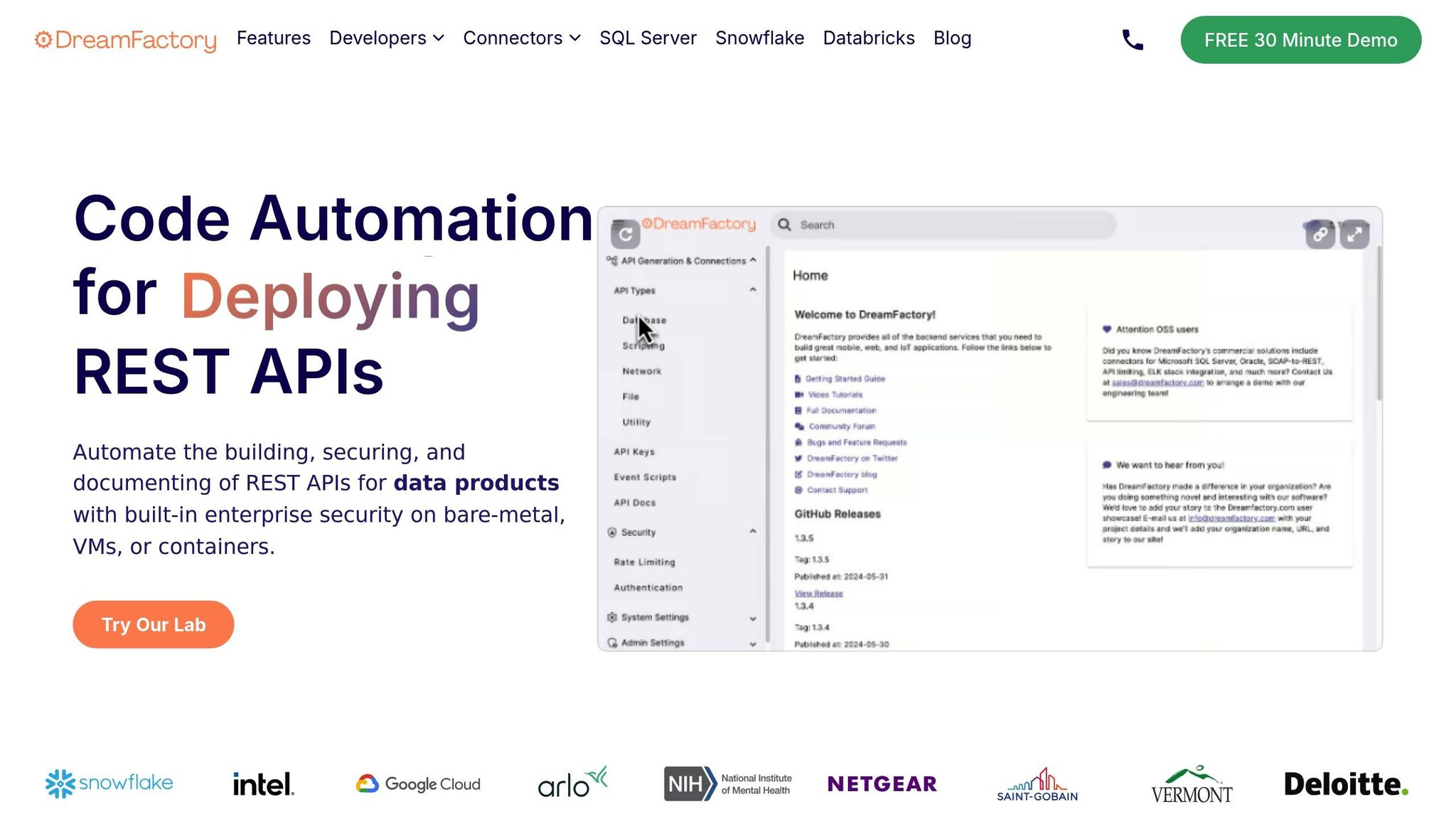
DreamFactory offers a range of tools to protect legacy APIs, ensuring they remain secure and functional.
Security Controls
The platform provides multiple layers of protection through authentication and access management:
| Security Feature | Functionality | Benefits |
|---|---|---|
| Role-Based Access Control | Manages user permissions and access levels | Helps block unauthorized access to endpoints |
| API Key Management | Automates key creation and validation | Streamlines secure API access for clients |
| OAuth Integration | Supports OAuth, SAML, and Active Directory | Delivers enterprise-level authentication |
These features work together to shield legacy APIs from modern security threats.
"DreamFactory is far easier to use than our previous API management provider, and significantly less expensive." - Adam Dunn, Sr. Director of Global Identity Development & Engineering at McKesson
API Generation Tools
DreamFactory simplifies API security by automating key processes:
- Automated Endpoint Security: Essential controls are pre-configured for every endpoint.
- Server-Side Scripting: Allows custom security logic with Python and other supported languages.
- Transport Security: Built-in TLS/SSL ensures encrypted data transmission.
Security Monitoring
DreamFactory's monitoring tools provide continuous oversight to keep APIs secure:
| Monitoring Feature | Purpose | Implementation |
|---|---|---|
| Activity Logging | Tracks API usage and security events | Includes automated logging with ELK stack |
| Threat Detection | Identifies potential risks | Offers real-time monitoring and alerts |
| Usage Analytics | Analyzes API performance and access | Features built-in reporting tools |
| Compliance Tracking | Verifies GDPR and HIPAA compliance | Runs automated compliance checks |
These tools have been proven to reduce security risks by 99% while saving organizations around $45,719 per API. Combined with authentication and encryption, they provide a complete security solution for legacy APIs.
Securing Legacy APIs
Protecting legacy APIs is crucial for maintaining data integrity and preventing unauthorized access. This guide's five-step approach offers a clear path to improving API security while keeping costs and risks under control.
Examples from companies like Intel, McAfee, and Nike show how automation can make a real difference in securing legacy APIs.
Here’s how proper API security can deliver measurable results:
| Security Measure | Business Impact | Cost Savings |
|---|---|---|
| Automated Authentication | 99% reduction in security risks | $45,719 per API |
| Integrated Security Controls | 5-minute API deployment | $201,783 annually |
These strategies have proven effective for major organizations. Kevin Lawrence, Strategic Planning Director of Global Technology at Nike, shared:
"We needed a globally scalable solution to optimize our communication channels between our headquarters and retail store teams. After researching various options, we found the DreamFactory Services Platform to be the most powerful and cost-effective way to deploy our new application."
By implementing strong authentication, encryption, traffic controls, input validation, and active monitoring, businesses can create security systems that are both robust and adaptable. This structured approach ensures legacy APIs stay secure and functional as modernization efforts progress.
"It's rare when a product this good comes along!" - Rana Azeem, Senior Software Engineer, McAfee
Related Blog Posts